
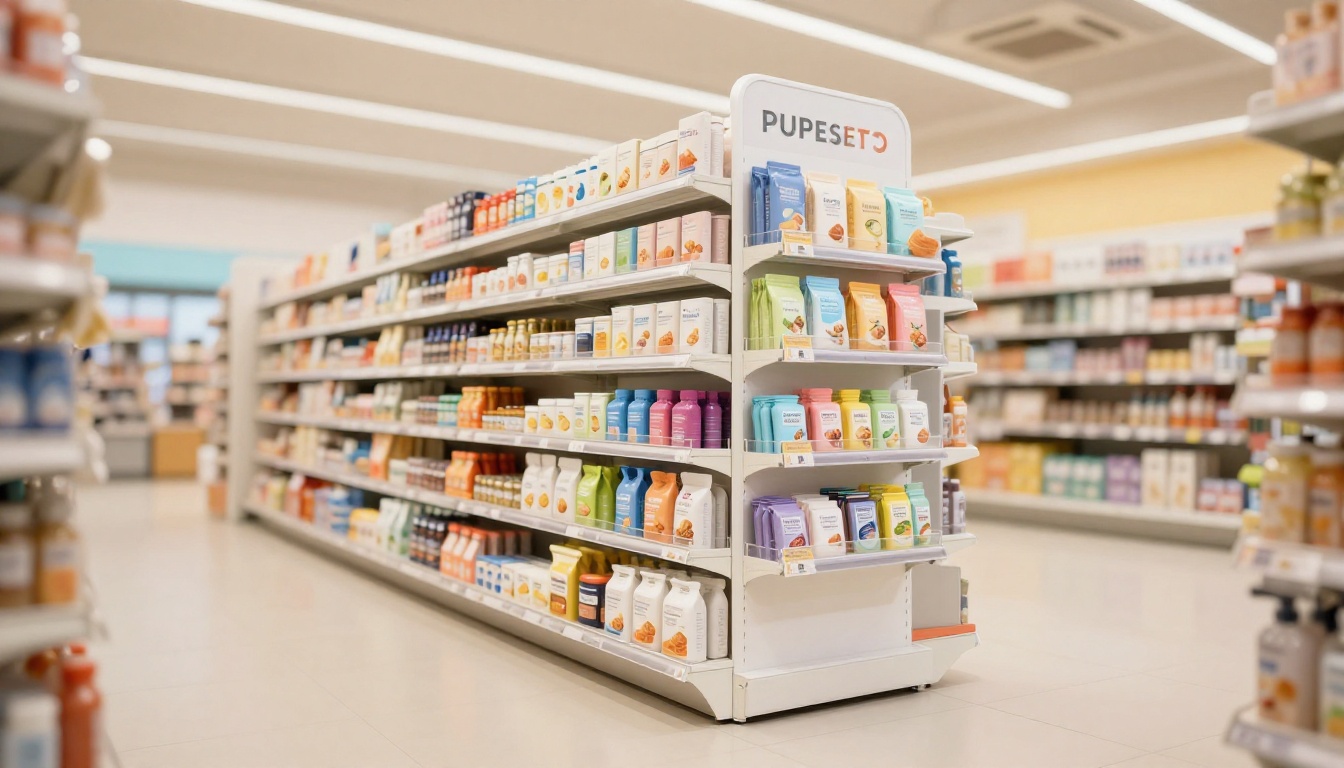
What Is a Power Wing Display? How It Works in Retail Stores
Winning attention in a crowded store without taking up more floor space is a challenge for any retail brand. A power wing display helps by attaching to the side of an existing fixture, giving products extra visibility without the footprint of a freestanding unit.
Also called a sidekick, it can hold promotional or impulse-buy items near an aisle end or other high-traffic spot. Its attachment style, materials, and capacity vary, so the right choice depends on the store fixture and the products it needs to hold. Here’s how power wings work, where they fit, and what to check before choosing one. For help preparing displays for retail, explore POS and POP display assembly services.
Key Takeaways
- A power wing display, also called a sidekick, attaches to the side of an aisle fixture or endcap to showcase products without using extra floor space.
- Retailers place these compact displays in high-traffic areas to attract impulse purchases, promote complementary items, or introduce products.
- Choose a display sized for the fixture and stocked with products its structure can safely support, often lightweight items.
- Check setup speed, stability, visibility, and shopper response in stores. Photos and field feedback can reveal problems to fix in future versions.
- Plan assembly and packing so each unit arrives ready to place and stock. Explore retail display assembly services for support.
What Is a Power Wing Display and How Does It Work?
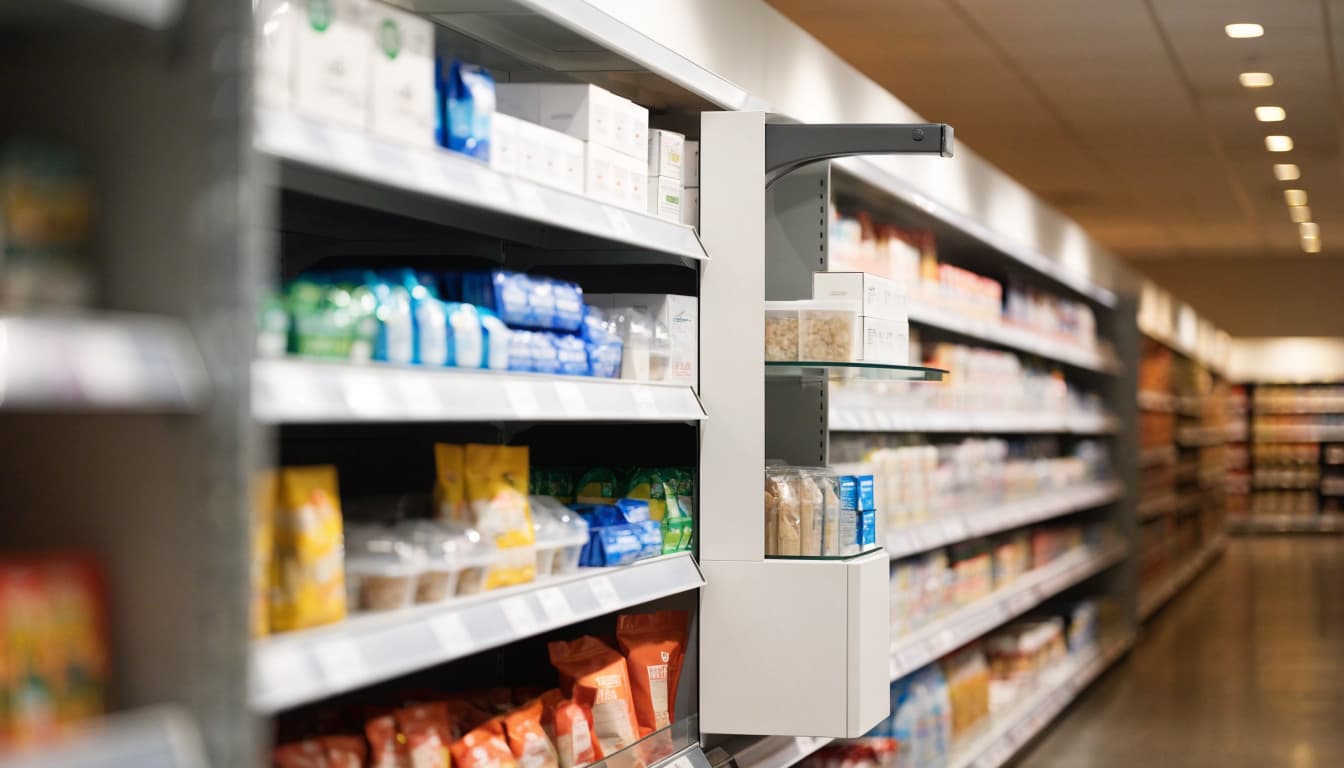
A power wing display is a compact, vertically oriented retail fixture mounted to the side of a shelf, gondola, or endcap. It adds a secondary point-of-purchase display beside the main product area, bringing small or lightweight items into view as shoppers move through an aisle without taking up a full floor-display footprint.
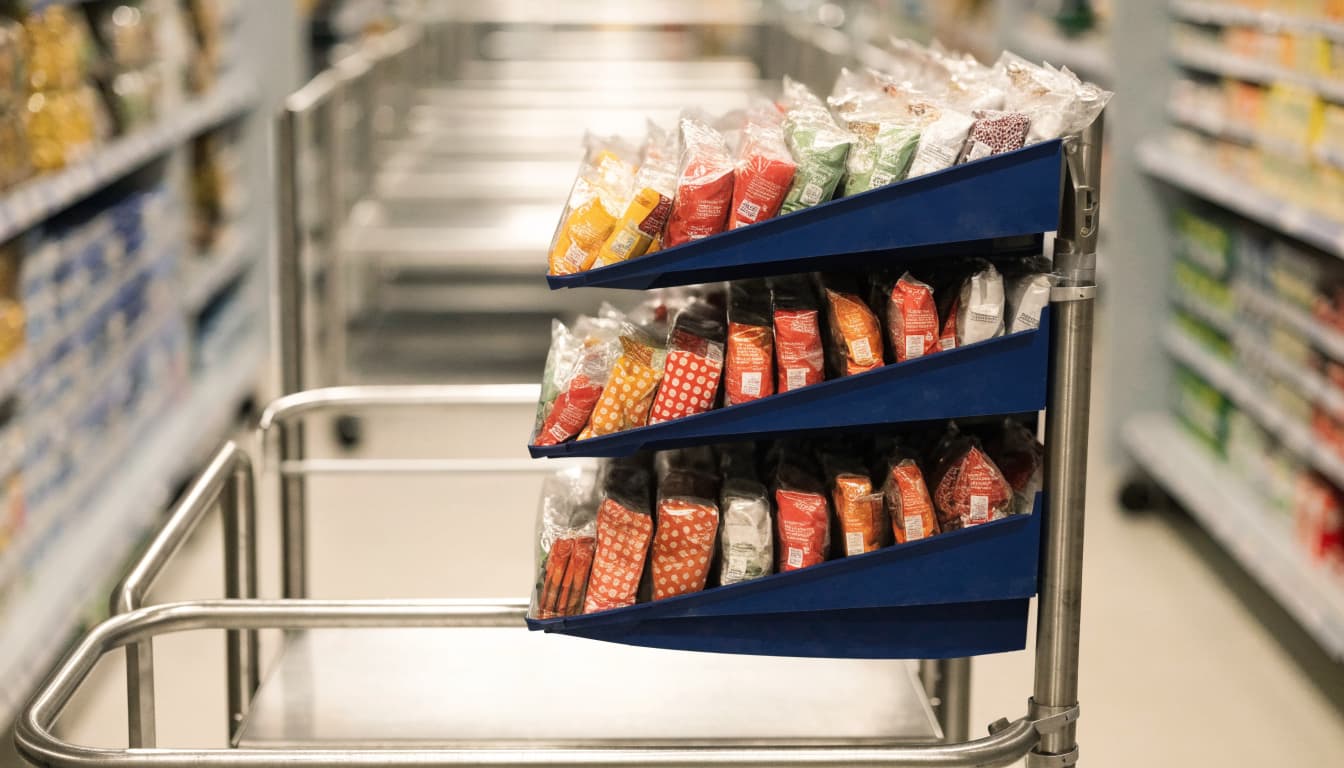
Because the products sit along a shopper’s path, the display can prompt a closer look at a promotion, new item, or product that complements nearby merchandise. Its narrow profile makes it useful when floor space is limited, but the fixture still needs clear sightlines and room for shoppers to reach the products.
The parts that hold the display in place
The attachment system connects the display to the store fixture and helps keep it stable during shopping and restocking. Depending on the design, a power wing may hang from shelf edges, clip onto a gondola upright, or use wire supports. Some designs use adhesive for particular surfaces or components.
There isn’t one mounting method that works for every store. The right option depends on the fixture’s shape and construction, the display’s dimensions and loaded weight, and retailer requirements. A clip designed for a gondola post, for example, may not fit a shelf edge. Before production, confirm the fixture type and test the attachment with the display stocked as intended.
Power wings, sidekicks, and related terms
Retail teams often use power wing and sidekick for the same or similar side-mounted format. You may also see terms such as side wing or gondola wing. Names vary, and so do the structures, materials, and mounting hardware, so check the specific design rather than relying on its label.
A power wing’s main job is to add visible product space beside a permanent fixture. Some versions use shelves, hooks, or trays to hold items in place. Others include gravity-feed shelves, which slope so products move toward the front as shoppers remove them. Gravity feed describes how a shelf presents and advances products; it isn’t a feature of every power wing.
For brands preparing units for multiple stores, assembly and packing also affect how easily staff can place and stock a display. Retail kitting and assembly solutions can help prepare display components and products for distribution.
Where Power Wing Displays Work Best in a Store
A power wing display works best where shoppers can notice and reach it without losing access to the main aisle. Mounted on an endcap or gondola side, it creates a secondary product location in otherwise unused fixture space. Still, the best position depends on the store’s layout, shopper traffic, and display requirements.
Choose compact items shoppers can grab quickly
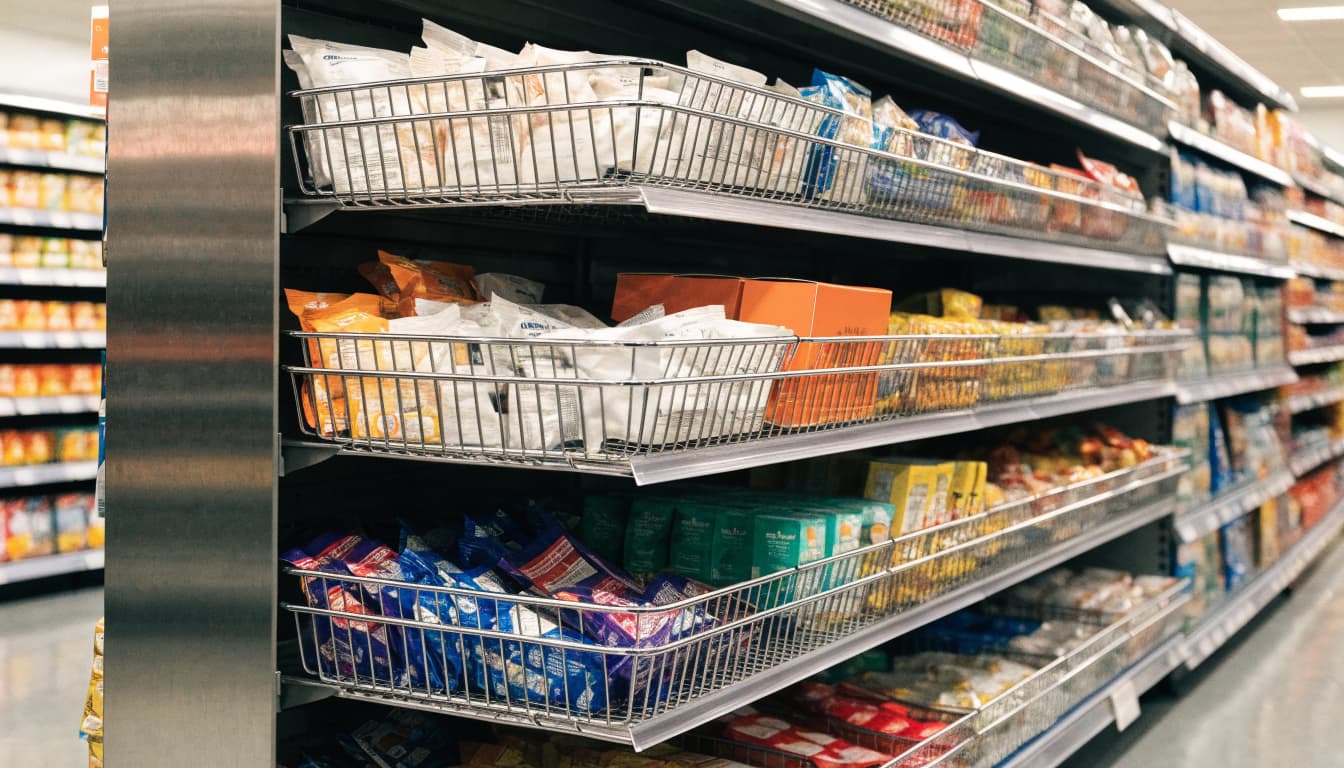
Power wings suit products that are light enough for the fixture and easy to pick up while walking. Snacks, travel-size health and beauty goods, small accessories, and promotional items can all work well. However, category alone doesn’t determine fit. A bulky snack bag or heavy accessory may be a poor choice, while a compact package from the same category could fit neatly.
Before choosing products, check their weight, size, package shape, and ease of handling. Products should stay secure on shelves or hooks, remain visible, and come off the display without catching on neighboring items. Also consider how many facings the unit can hold and whether store staff can restock it quickly. A display that’s hard to fill or leaves packages awkwardly crowded can lose its appeal soon after setup.
Match the location to the shopping mission
Place the display on a side of an endcap or gondola that faces natural aisle traffic. This gives the product a second point of visibility without taking floor space from the main fixture. A related item can feel like a useful add-on when shoppers are already considering a nearby product. For example, a small phone accessory beside electronics or travel-size personal care items near body wash makes the connection easy to understand.
However, adjacency only helps when shoppers can see and reach the display. Check sightlines from the aisle, nearby fixtures, lighting, and the amount of space customers need to pass. A header hidden behind another display or a unit that narrows the walkway can undermine the placement. Retailer rules also matter: confirm approved attachment points, size limits, and loaded-weight requirements before production. These vary by retailer and fixture, so avoid treating one chain’s specifications as a universal standard.
For help preparing displays for retail placement, see MSL’s POP and POS retail display packaging services.
The Benefits and Limits of a Power Wing Display
A power wing adds a compact secondary placement beside an existing fixture, giving products more visibility without using a full floor footprint. Its value depends on a clear presentation, a useful location, and a structure that fits the store and merchandise.
How a small display can earn attention
Because it sits outside the main shelf set, a power wing can act as a compact brand billboard. A shopper passing an endcap may notice a small item they hadn’t planned to buy, especially when the packaging and display make the product easy to identify at a glance. Short promotional messaging can help explain a new product, limited-time offer, or bundle without crowding the display.
Placement also creates room for cross-merchandising. For example, a compact accessory beside a related product category may prompt shoppers to consider both. These are opportunities, not guaranteed sales outcomes: a display still needs an appropriate location, an easy-to-understand offer, and products that shoppers can reach and remove without trouble.
For brands, a side-mounted unit can add a branded touchpoint without occupying the floor area required by a freestanding display. Consistent colors and concise messaging can reinforce recognition, while an uncluttered product arrangement helps shoppers see what is available. If a promotion includes QR codes or other extra details, keep them secondary to the immediate product message.
When a power wing may not be the right fit
A power wing holds less product than a typical endcap, so it may not suit a campaign that needs broad assortment or deep inventory. It also relies on a compatible shelf or fixture. Retailer rules can limit attachment points, dimensions, protrusion into the aisle, and placement, so approval should happen before the display design is finalized.
Product size and weight matter just as much. Heavy items can strain hooks, shelves, or mounting hardware, while oversized packages may block neighboring products or make the aisle harder to use. Published supplier examples show that even listed load limits vary by model; they are not universal standards. Confirm the specific display’s capacity with the manufacturer and test it with the intended products loaded.
Before production, check how the unit attaches, how staff will restock it, and whether shoppers can remove products cleanly. A display that fits the fixture but is awkward to fill or shop can create problems in-store. Planning assembly and packing alongside the design can help stores receive units that are ready for placement. See MSL’s retail packaging services for support with retail display preparation.
How Power Wings Compare With Endcaps and Floor Displays
The right format depends on where a promotion can go, how much product it needs to hold, and how shoppers will encounter it. A power wing adds a secondary placement beside an existing fixture, while an endcap uses the aisle’s end and a floor display occupies its own space.
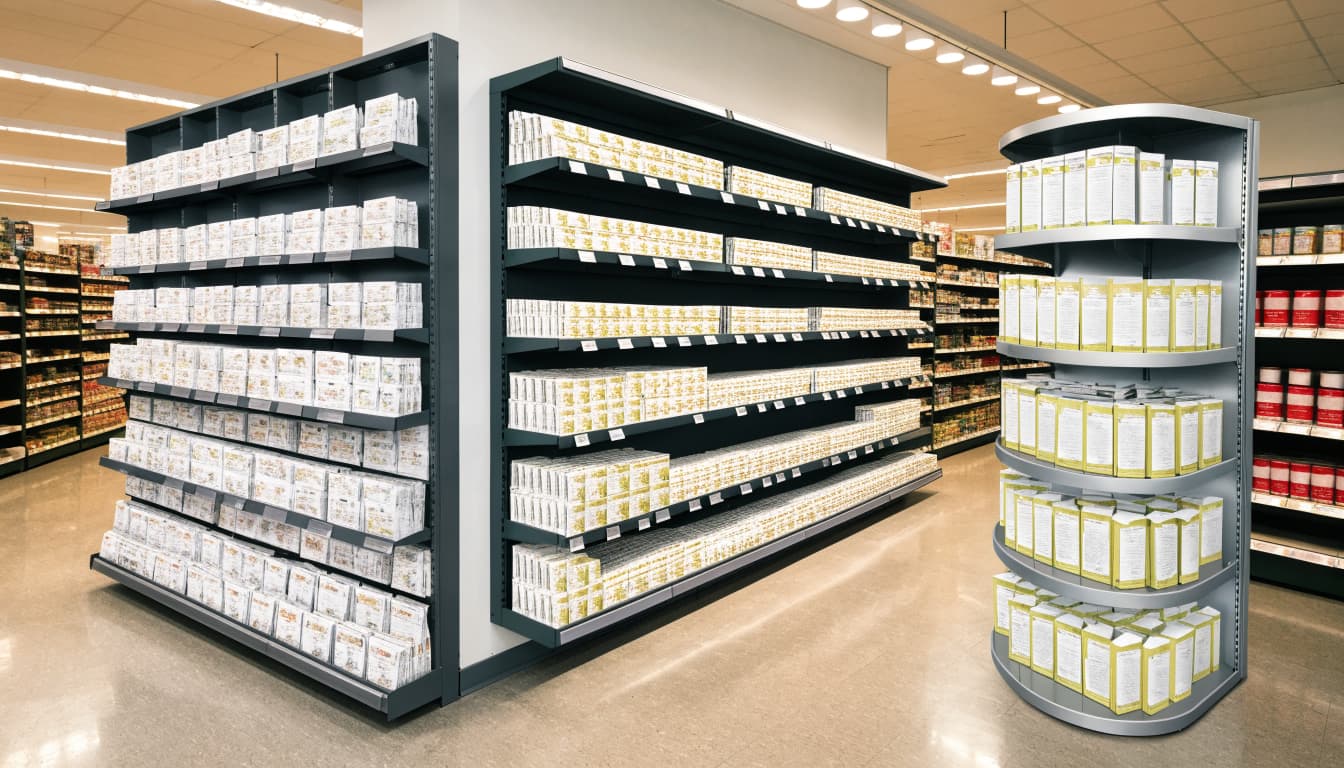
Use a power wing for add-on visibility in tight spaces
A power wing works well for compact products that shoppers can spot and pick up quickly. Since it attaches to a shelf, gondola, or endcap, it adds visibility without claiming a full floor footprint. That makes it useful when space is limited or a retailer wants to test a secondary placement.
It can also connect products across categories. For example, a small travel accessory beside luggage or a snack near a related beverage gives shoppers a relevant add-on while they browse. Keep the assortment focused, though: the narrow format holds less product than an endcap or floor unit, so staff may need to replenish it more often. Simple shelves, trays, or hooks can make restocking quicker.
Choose an endcap or floor display for a larger statement
An endcap typically offers more shelf area and visibility at the end of an aisle, where it can support a broader assortment or a campaign with several products. Its placement gives shoppers a clear view as they enter or leave the aisle, but the fixture must fit the retailer’s approved dimensions and layout.
A freestanding floor display has its own footprint, so it can create a distinct campaign area in an approved high-traffic location. It may hold more stock and support larger graphics, seasonal messaging, or a coordinated product mix. Modular shelves or replaceable panels can also help brands update the presentation for a new promotion without rebuilding the entire unit.
Both formats need more room than a side-mounted display, and store approval can limit their size, location, and aisle clearance. Before choosing, confirm the available space, product load, restocking plan, and campaign needs with the retailer. For help preparing units to meet store requirements, see MSL’s retail distribution and fulfillment services.
How to Design and Set Up a Power Wing That Works in Retail
A successful power wing display fits the store, supports the products, and stays easy to shop throughout the promotion. Confirm the requirements before finalizing artwork or ordering materials, then test a loaded prototype before production.
Start with fixture rules, measurements, and product weight
Ask the retailer which fixture the display will attach to and what mounting hardware it accepts. Then measure the attachment point, available footprint, height, and permitted aisle projection. Store rules vary, so a dimension or load limit listed by one supplier is not a universal standard.
Next, measure the products and packaging, including their weight, depth, and the number of units each display must hold. Check how packages sit on shelves or hooks and whether shoppers can remove them without catching nearby items. Finally, test the mounting hardware and structure with the display fully loaded. This reveals fit or stability problems before units ship.
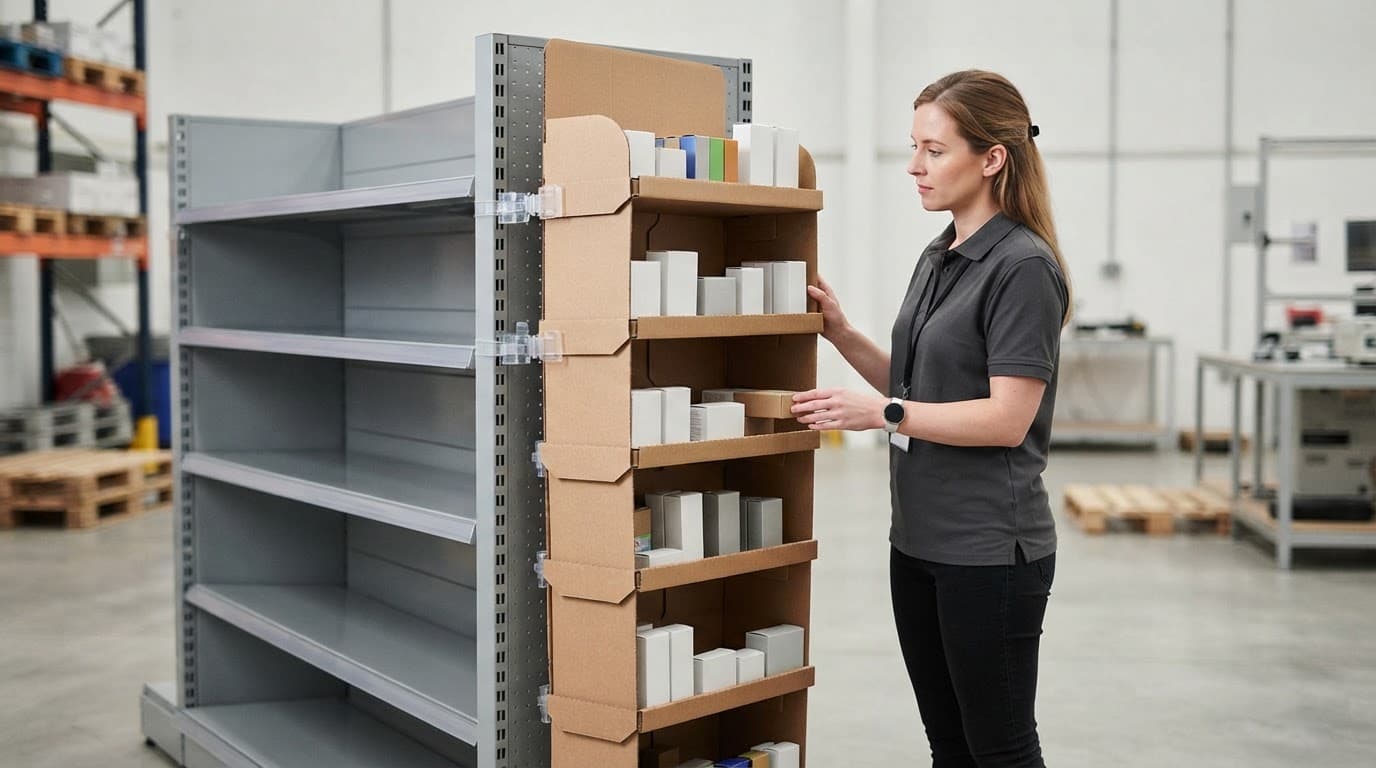
Make the message easy to read at a glance
Give shoppers one clear focal point, such as the hero product or a short headline. Strong contrast helps the message stand out, while readable type and visible merchandise make the offer easier to understand as shoppers pass.
Keep the copy focused on one main benefit or promotion. A small display has limited space, and extra claims, decorative elements, or competing headlines can make it harder to shop. Show the product clearly, leave room around key graphics, and check readability from the aisle under typical store lighting.
Plan assembly, stocking, and in-store upkeep
Design the unit so store teams can assemble it quickly and understand where each product goes. Numbered parts, clear instructions, and pre-attached graphics can reduce setup friction. Before packing, verify that the attachment is secure, product counts match the plan, and items sit neatly in their intended positions.
Also plan how staff will replenish the display and keep it tidy during the promotion. Easy-to-reach shelves, clear dividers, and enough space for packages can help prevent a crowded or uneven presentation. Coordinate assembly, packing, and delivery timing with a POS display assembly and kitting partner when the rollout spans multiple stores. Confirm retailer routing and receiving deadlines early, then schedule production and shipment so displays arrive with enough time for placement before the promotion begins.
How to Judge Display Performance and Choose a Supplier
Before production starts, agree on what the power wing display needs to accomplish. A campaign focused on trial may call for different measures than one designed to move existing inventory. Set a few practical goals, then use store evidence to assess both the display and the supplier’s execution.
Track more than sales alone
Compare sales with a clear baseline, such as similar stores without the display or the same stores during a comparable period. Where possible, keep the comparison consistent. Placement, product mix, retailer, season, and promotion can all affect results, so avoid crediting the display for a sales change without considering those factors.
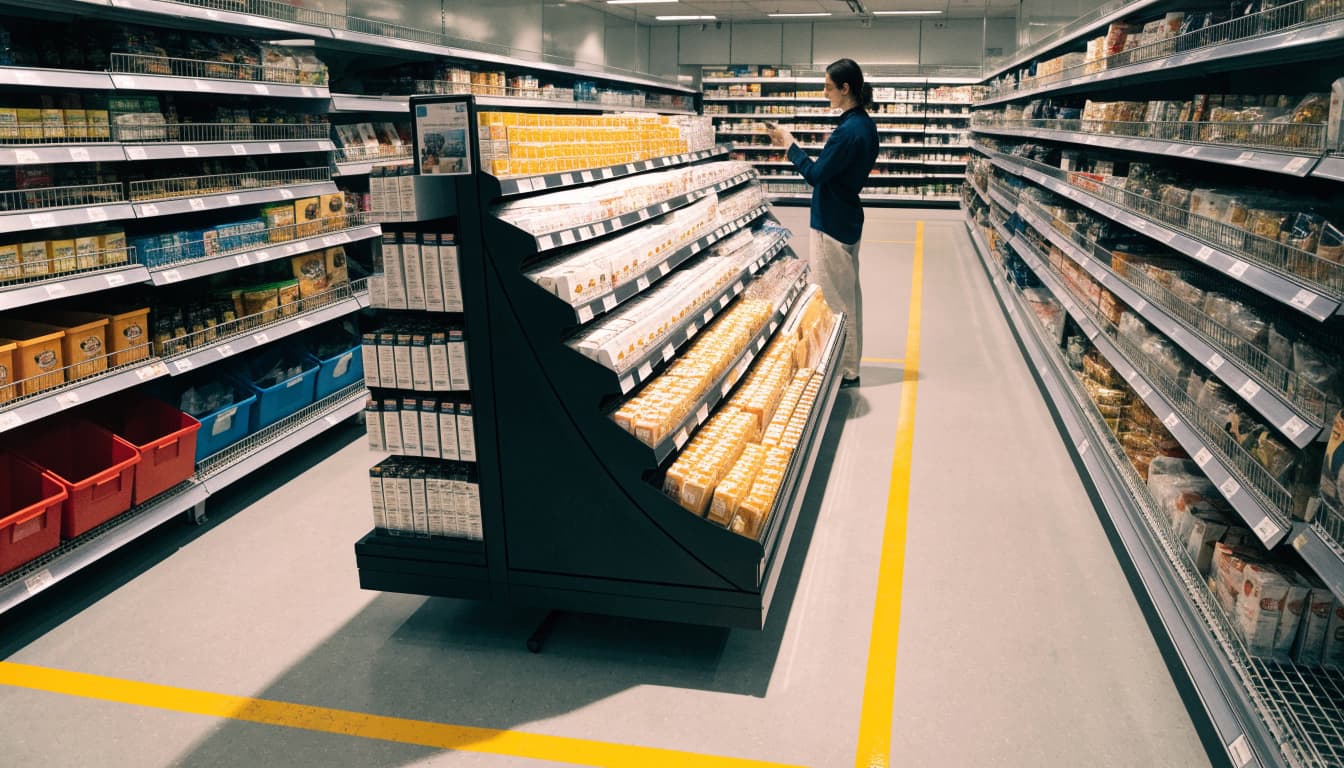
Sales are only part of the picture. Track sell-through and stock movement, along with stockouts and how often stores needed to replenish the unit. Also record setup time, assembly or attachment problems, and whether the display stayed stable, clean, and stocked during the campaign.
Ask store managers and field teams for specific feedback. Photos taken at setup, midway through the promotion, and near its end can show whether the location changed, the display became damaged, or graphics were blocked. Record relevant conditions, such as nearby promotions or a change in placement, so you can interpret the results fairly and improve the next version.
Ask suppliers about design, assembly, and delivery
A supplier should be able to explain how its process supports the retailer’s requirements and the campaign schedule. Ask whether it will verify fixture dimensions, attachment points, permitted weight, and any retailer rules before production. Request a prototype and clarify what testing it receives, including checks with the display fully loaded and packed for shipment. For some commercial retail fixtures, UL 970 may apply; ask the supplier whether any standards or certifications are relevant to your specific design.
Discuss materials in relation to campaign length, product weight, and expected store handling. Then confirm production capacity, assembly method, packing configuration, and delivery deadlines. Will the unit arrive assembled, partially built, or flat-packed? If store staff must assemble it, ask for clear instructions and a trial build. Packing matters too: parts and products should stay organized and protected in transit, and the finished unit should be straightforward to place and stock.
Retail requirements vary by chain and program, so confirm them directly rather than relying on a supplier’s past project as proof of fit. If your rollout includes club-store displays, review the relevant club store packaging and display services alongside the retailer’s specifications. A supplier that can explain its checks, capacity, and schedule gives you a clearer basis for judging whether it can deliver a consistent store-ready display.
Frequently Asked Questions
Power wing displays vary by design and retailer, so confirm specifications before choosing a unit. These answers cover common questions about capacity, approval, upkeep, and reuse.
How much weight can a power wing display hold?
Capacity depends on the display’s structure and material, its attachment method, and the fixture supporting it. Retailer requirements may also set a lower limit than the display itself can handle. Ask the supplier for the tested load limit and confirm it applies to your exact configuration, rather than relying on a general number.
Can any retail store use a power wing display?
Many retail settings use power wings, but a design that fits one store may not work in another. Fixture type, store policies, aisle conditions, and safety requirements can all affect approval. Check the retailer’s specifications and approved attachment points before production.
Are power wing displays recyclable?
Recyclability depends on the materials, coatings, adhesives, attachments, and local recycling rules. A mostly paperboard display with easily removed hooks may be simpler to sort than a laminated structure with glued-on plastic or metal parts. Ask the supplier how components separate and what disposal route applies; sustainable retail display design can also inform material choices.
How often should a power wing be restocked?
Set the schedule around sales pace, product capacity, and the promotion’s length. Check actual movement during the first few days, then adjust visits to prevent empty shelves without overloading the display. A simple store-level restock log can help identify locations that need more frequent attention.
Can a power wing display be reused for another campaign?
Reuse depends on the structure’s condition, whether its graphics can be replaced, and whether the next product fits the shelves, hooks, and load limit. The new retailer or campaign must also approve its dimensions and attachment method. Modular parts and swappable panels make updates more practical, while damaged or product-specific structures may need replacement.
Conclusion
A power wing display is a compact, fixture-attached display that gives suitable products a second point of visibility without taking up a separate floor space. Its value depends on matching the format to the product, retailer rules, setup needs, and clear goals you can measure.
Before moving to production, confirm the retailer’s specifications and test the display with its intended products. An experienced packaging or retail display partner can help plan assembly and packing so each unit reaches the store ready to place and stock.
