
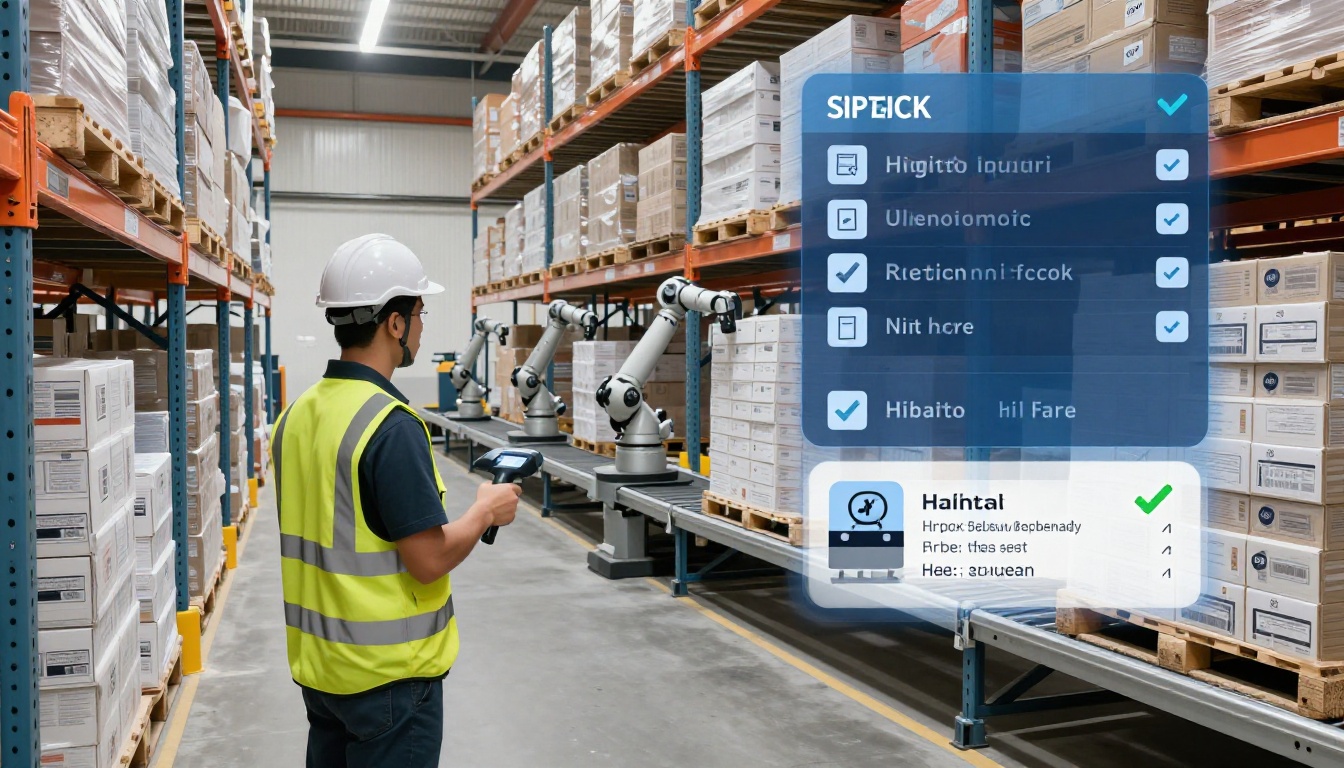
How Warehouse Management Systems Improve Fulfillment Accuracy (Picking, Packing, and Shipping)
A customer opens a box, and it’s the wrong color, the wrong size, or missing a key part. Now you’re paying for a return, shipping a replacement, and answering an email that shouldn’t have happened.
That’s why fulfillment accuracy matters. In plain terms, it means the right item, in the right quantity, in the right condition, shipped at the right time, to the right address. Miss any one of those, and costs climb fast.
Warehouse Management Systems are often the source of truth inside the warehouse. They tell teams what’s in stock, where it lives, what to pick next, and when a scan doesn’t match the order. If you work with a partner for order shipping, the same idea applies to modern distribution and fulfillment operations, accurate data and consistent processes keep orders clean at scale.
Next, you’ll see what a WMS does day to day, the specific fixes it brings to picking and packing, and how to measure accuracy gains without guessing. We’ll also cover what can go wrong during rollout, plus what’s changing in 2026 as cloud tools, AI features, and warehouse automation become more common.
What a Warehouse Management System (WMS) really does during receiving, storage, picking, and shipping
A WMS earns its keep in the handoffs, the moments where humans move product and errors like to hide. Think of it like guardrails on a mountain road. It does not drive the forklift for you, but it keeps the work on a safe path with scans, rules, and checks.
Most accuracy problems you see at shipping started earlier. A wrong count at receiving becomes a backorder later. A SKU stored in the wrong bin turns into a mispick under pressure. The day-to-day job of Warehouse Management Systems is to stop those small mistakes from snowballing.
Receiving: turning inbound boxes into clean, trusted inventory counts
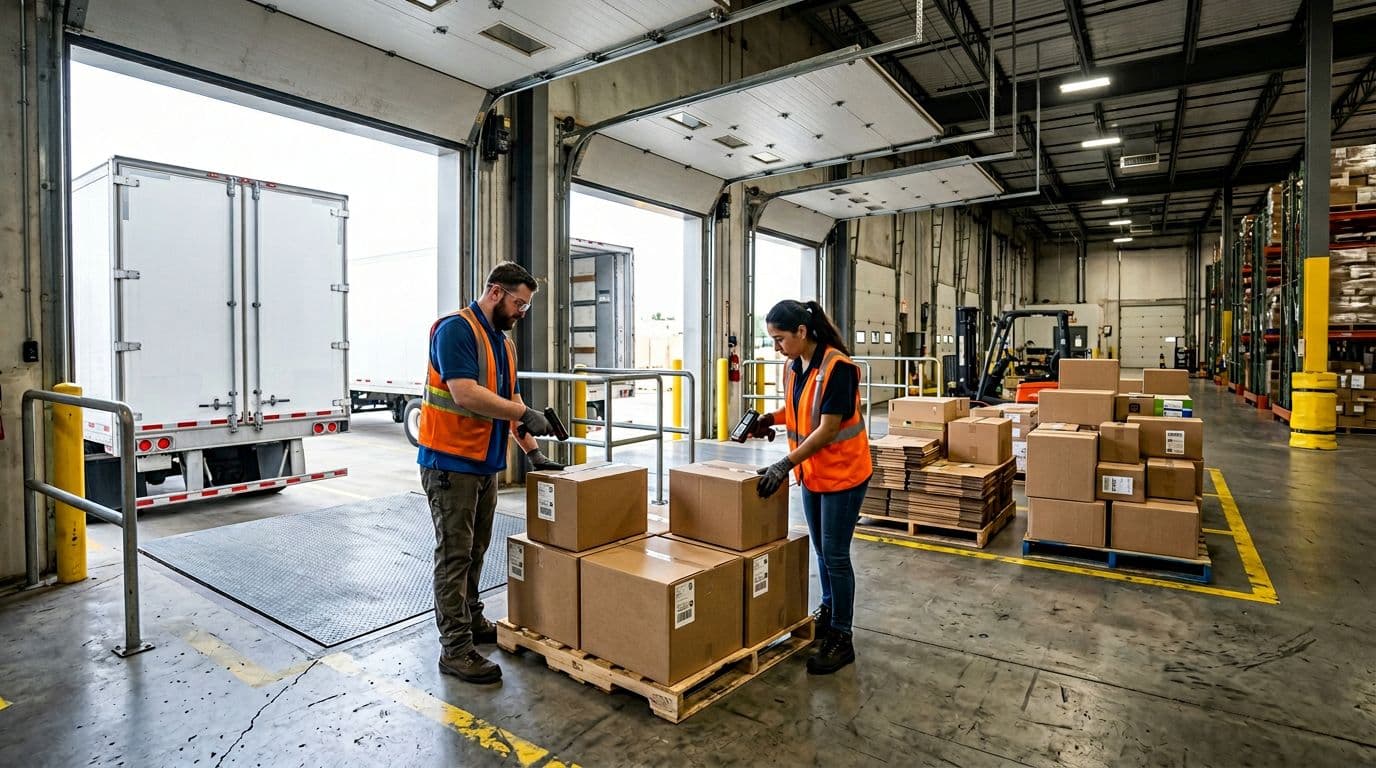
Receiving is where a WMS turns “a truck showed up” into inventory the system can trust. At the dock, workers scan carton or pallet barcodes, then the WMS matches what arrived to the purchase order (PO) or the advance ship notice (ASN). If the count is short, over, or the wrong SKU, it flags it right away, before anything hits the shelf.
When you need traceability, the WMS also captures lot numbers, expiration dates, or serial numbers. That matters for regulated goods, recalls, warranties, and anything with shelf life. Next, the system can trigger labeling, like internal barcodes for each unit, case, or pallet, so every later scan is consistent.
Quality checks fit here too. If a carton is crushed, or a seal is broken, the receiver can log it as an exception and route it to a hold area. In plain terms, the WMS keeps “maybe it’s fine” product from mixing with sellable stock.
If receiving data is wrong, every pick after that is guesswork, no matter how good your pickers are.
Putaway and slotting: storing items in the right place so they get picked right later
Putaway sounds simple, until the warehouse is busy and every open spot looks good. A WMS uses directed putaway to remove that choice. After receiving, it tells the operator exactly where to take the product, down to the bin location. Those rules can consider weight, dimensions, hazmat needs, temperature zones, and even how soon the item will ship again.
Slotting is the longer-term version of the same idea. Fast movers go closer to packing stations because travel time is a hidden tax. Slow movers can live higher, deeper, or farther away. Just as important, smart slotting reduces look-alike mistakes by separating similar items, or forcing extra verification steps.
For example, say you sell the same water bottle in two sizes:
- SKU A: 20 oz, black lid
- SKU B: 24 oz, black lid
If they sit next to each other, a rushed picker can grab the wrong one. A WMS can slot them in different bays, or require a scan that confirms both the location and the item barcode before the pick completes.
Picking and replenishment: the WMS guides the work and forces the right scans

Picking is where accuracy becomes visible, because it is where the order is built. A WMS assigns the work and chooses the pick method that fits the day’s volume and layout:
- Batch picking: one worker picks items for several orders at once, then sorts later.
- Zone picking: each worker stays in a section, orders move from zone to zone.
- Wave picking: the system releases picks in timed groups, often around carrier cutoffs.
Accuracy comes from scan enforcement. The handheld typically prompts “scan location, then scan item.” If either scan is wrong, the task does not move forward. That one step stops a lot of “it looked right” errors.
Replenishment is the other half of picking. When pick faces run low, a WMS can create a replenishment task automatically, pulling from overstock before the bin hits zero. Without that, teams start making risky calls, like substitutions, shorts, or grabbing from a random pallet.
Packing and shipping checks: catching mistakes before they leave the building
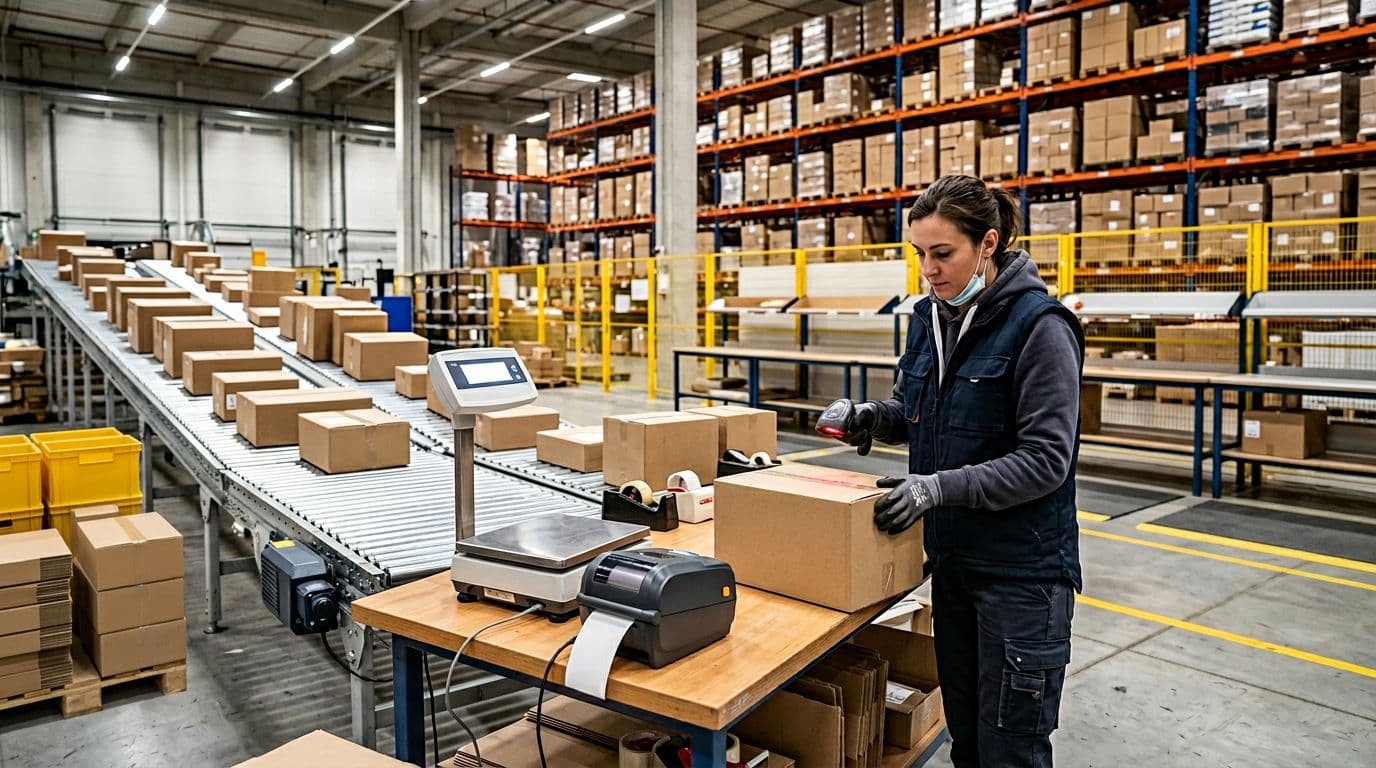
Packing is the last quiet moment before the package becomes expensive to fix. A WMS supports pack verification, usually by scanning each item into the carton (or scanning the tote) to confirm the exact order contents. Some operations also use weight checks, if the expected carton weight is off, the system prompts a recheck.
Many systems also handle basic cartonization logic, choosing the right box size based on item dimensions, fragility, and how many units ship together. That helps prevent damage and avoids paying for oversized cartons. Packers then add dunnage (paper, air pillows, foam) based on rules, not habit.
Finally, the WMS prints shipping labels, enforces carrier compliance (service level, label format, packing slip rules), and ties the shipment to tracking. Once the label prints, the order is linked to a tracking number and carrier manifest, so you can trace what shipped, when it shipped, and how it was packed.
In other words, these are the last chance checks. Catch it here, and you save the reship, the return, and the support ticket.
How WMS features directly raise fulfillment accuracy, with real numbers and clear examples
Accuracy problems usually come from small gaps, a missed update, a look-alike SKU, a last-minute order edit, or a label printed off old data. Warehouse Management Systems help because they turn those gaps into hard checks. In other words, the system makes the right action the easiest action, and it makes the wrong action harder to complete.
If you run a busy operation, even a one percent error rate adds up fast. That’s why it helps to connect features to outcomes and do the math using your own order volume. The examples below show where the biggest accuracy gains usually come from.
Real time inventory visibility reduces wrong picks and oversells
Spreadsheets and delayed updates break down because the warehouse changes every minute. A pallet gets moved, a partial case gets opened, a receiver short-counts by two, then the spreadsheet still says everything is fine. By the time someone updates it, pickers have already made floor decisions based on bad info.
A good WMS fixes this with real-time, location-level inventory. Every scan updates what’s available, and where it is, down to the bin. As a result, pickers stop “shopping” for product across the building, and supervisors stop approving swaps that feel harmless but create inventory chaos later.
In 2026, many warehouses still sit around 85 to 90 percent inventory accuracy without stronger controls. With real-time scanning (and in advanced environments, RFID), strong setups can push over 99.5 percent. Some operations aim even higher, up to 99.99 percent as a benchmark, but that level depends on process discipline (clean receiving, cycle counting, and scan compliance).
When inventory accuracy rises, fulfillment accuracy follows, because the system stops asking people to guess.
Scanning, pick to light, and voice picking shrink human error at the source

Most mispicks are simple human mistakes, a similar SKU, a rushed grab, or a misread location. The best WMS features reduce those mistakes using forcing functions. That means the workflow won’t let a picker move on until the right thing happens.
Common examples:
- Mobile barcode scanning: The task requires “scan location, then scan item.” If either is wrong, the pick fails.
- Pick-to-light: The correct slot lights up, and the worker confirms the quantity. This reduces “wrong shelf” errors.
- Voice picking: The headset gives step-by-step directions, then asks for a check digit from the location to confirm the pick.
Research in this space often shows automation tools can reduce errors by up to about 70 percent in strong setups, and operations with mature scanning and guided picking can hit around 99 percent pick accuracy. Adoption is also mainstream, one 2026 research snapshot puts barcode and mobile scanning usage around 62 percent, because it’s one of the fastest ways to add accuracy without changing the whole building.

Integrations stop data mismatches between orders, inventory, and shipping
Without integration, you get a split-brain problem. The shopping cart says one thing, the ERP says another, and the warehouse is stuck working off a printed pick ticket from two hours ago. Then you see the classic symptoms: duplicate orders, canceled lines that still ship, and inventory that looks available online but is gone on the floor.
When the WMS integrates with your ERP, marketplaces, and shipping tools (often a TMS or carrier system), data stays in sync:
- Orders drop into the WMS quickly, with the correct SKUs and quantities.
- Inventory updates flow back out, which reduces oversells and backorders.
- Shipping labels and service levels match the order rules, so teams stop “winging it.”
Simple example: a customer changes the ship-to address after placing the order. With integration, the change updates the WMS before the label prints. Without it, the warehouse ships to the old address, then you pay for a reship and eat the return.
If you want a reference point for what accurate, repeatable processes look like in practice, this overview of a distribution center in Indianapolis is a helpful baseline.
The hidden cost of mistakes, and where a WMS pays back fast
A mistake doesn’t end when the wrong box leaves the dock. It keeps charging you in small, expensive ways: return labels, reshipping, rework, support time, and inventory adjustments. Some research estimates a single mispick can cost up to $100 once you add labor, freight, and handling. Packing mistakes also hit loyalty, one data point often cited ties about 17 percent of customer loss to packing errors.
Here’s where Warehouse Management Systems tend to pay back quickly:
- Verification at pick and pack reduces the number of “bad shipments” that trigger returns and reships.
- Exception tracking makes root causes visible (was it a slotting issue, a look-alike SKU, or a rushed wave?).
- Clean audit trails reduce chargeback disputes because you can prove what was scanned and when.
Before you change anything, capture a baseline for 30 days: mispicks per 1,000 lines, packing errors per 1,000 orders, and “can’t find” incidents. Then compare after rollout. That before-and-after view keeps the ROI conversation grounded in real warehouse outcomes.
A practical playbook for implementing a WMS without creating new errors
A WMS rollout can either tighten accuracy or create fresh chaos. The difference usually comes down to basics: clean data, clear rules, and floor-ready training. Software can enforce scans and workflows, but your process still has to match real work on the floor.
Use the steps below like a simple playbook. Each one reduces the odds of new mistakes showing up right after go live.
Start by mapping your error hotspots (then set simple accuracy goals)
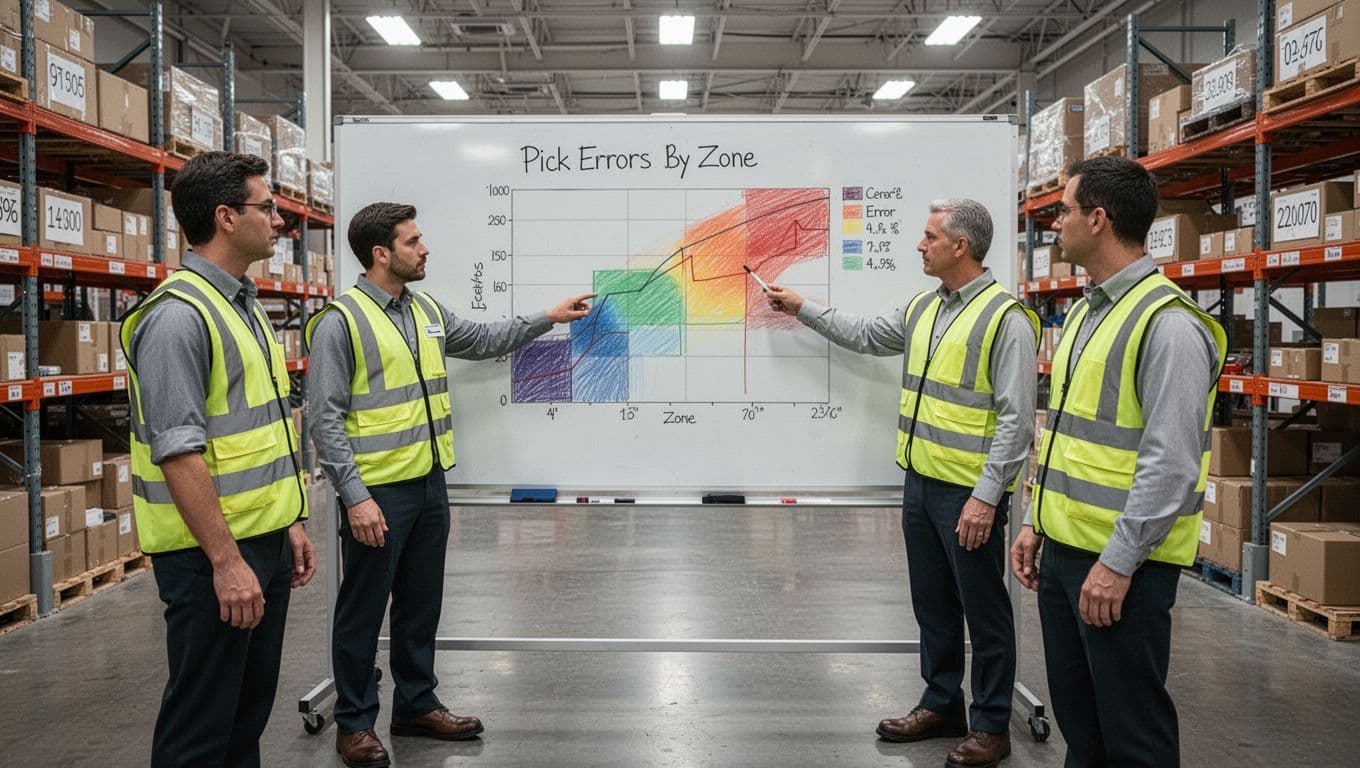
Before you configure anything, get honest about where errors come from. Otherwise, you will automate the wrong problems. Start with 30 to 60 days of order and returns history, plus what your team hears every day at the dock and pack stations.
Focus on the few error types that drive most cost:
- Wrong item: A mispick, look-alike SKU, or wrong variant.
- Short: Ordered quantity does not match what shipped.
- Damage: Product arrives unsellable, often from poor pack rules or wrong carton size.
- Wrong label: Wrong carrier, wrong service, or wrong ship-to.
- Late shipment: Missed cutoff, held order, or waves released too late.
Next, turn those pain points into simple goals you can track weekly. Keep definitions short so everyone reads the numbers the same way:
- Pick accuracy: Correct lines picked divided by total lines picked.
- Order accuracy: Orders shipped without any errors divided by total orders shipped.
- Inventory accuracy: Locations where the system count matches a count check divided by locations checked.
- Returns rate: Returned orders divided by orders shipped (you can also tag returns by reason to separate damage from wrong item).
If you cannot name your top three error sources, you will struggle to prove the WMS improved anything.
Clean your data before go live, because bad data becomes fast mistakes
A WMS moves work quickly. That is great, until it starts moving bad info faster than your team can catch it. In other words, garbage in, garbage out shows up first as mispicks, shorts, and label problems.
Tighten your data before cutover, starting with the SKU master:
- SKU naming and descriptions: Remove duplicates, fix confusing abbreviations, and confirm each variant has its own SKU.
- Barcodes: Make sure each sellable unit, inner pack, and case has a scannable barcode that matches the right item.
- Units of measure (UOMs): Lock down each pack level (each, case, pallet), and confirm conversion rules. Many short shipments trace back to a bad UOM.
- Location naming: Use a consistent format that matches how people talk (zone, aisle, bay, level, bin). Avoid “temporary” locations that never go away.
- Lot and expiration rules: Decide how strict you need to be (FEFO, FIFO, lot holds), then confirm the system enforces it at pick.
- Customer address formatting: Standardize country, state, ZIP, and suite fields. Clean addresses reduce bad labels and carrier exceptions.
Finally, run cycle counts before cutover. Do not go live on inventory you do not trust. A WMS can guide cycle counting by zone or by high-volume SKUs, which is usually faster than a full shutdown count. The goal is simple: start with clean inventory, so the WMS is not blamed for old mistakes.
Train the floor team for real life, not just the happy path

Classroom training helps, but accuracy lives in muscle memory. Train by role, then drill the exceptions that cause workarounds.
Plan role-based training like this:
- Receiving: Scan, count, damage check, and how to handle overages and shorts.
- Picker: Location scan, item scan, quantity confirm, and what to do when the bin is empty.
- Packer: Pack verification, carton choice, dunnage rules, and label printing checks.
- Lead or supervisor: Exception queues, reassigning work, releasing waves, and resolving inventory mismatches.
Then practice the messy stuff on purpose:
- Damaged item found at pick: How to move it to hold and trigger a replacement pick.
- Missing or bad barcode: How to print a replacement label, and when to escalate to item setup.
- Short pick: How to confirm the shortage, adjust the task, and prevent “phantom inventory.”
- Substitutions policy: When substitutions are allowed, who approves them, and how the system records them.
- Returns: How returns get inspected, dispositioned, and put back to stock without corrupting counts.
Expect some change resistance. People fight systems when they feel blamed or slowed down. Bring operators into process design early, let them test flows, and use their feedback to remove friction. That is how you reduce “shadow processes” that quietly destroy accuracy.
Phase the rollout and test integrations so orders do not fall through cracks
A big bang go live sounds brave, but it often turns into a rush of manual fixes. Instead, phase it like you would any high-risk process change. Start small, prove accuracy, then expand.
A practical rollout pattern:
- Pilot one area, one client, or one order type (for example, single-line parcel orders).
- Run a short parallel period where the old process and WMS outputs get compared (counts, picks, labels, and shipping confirmations).
- Pick a calm cutover window (avoid peak days and promo weeks), then freeze certain changes like new SKUs or location renames.
Integrations need the same level of care, because that is where orders disappear quietly. Test the full loop with your:
- ERP (item master, inventory updates, receipts)
- E-commerce or OMS (orders, cancellations, address edits)
- Carriers (rates, label print, tracking, manifests)
Also, check physical readiness. Weak Wi-Fi in one aisle can cause skipped scans. Low printer supplies create hand-written labels. Old scanners lead to misreads. Confirm you have enough working scanners, mobile devices, batteries, and printers, then stage spares where people can grab them fast.
If you are building a fulfillment operation that needs to scale while keeping accuracy high, it helps to look at how established teams structure daily flow and controls. This overview of distribution and fulfillment in Indianapolis is a useful reference point for what consistent execution can look like in practice.
What is next for Warehouse Management Systems in 2026, and how it improves accuracy even more
In 2026, the biggest shifts in Warehouse Management Systems are not about flashy features. They are about fewer surprises. When the system spots risk earlier, and when work gets routed with less guesswork, accuracy climbs almost as a side effect.
Operators will notice this in the daily grind: fewer “where did it go?” moments, fewer empty pick faces, and fewer late-stage scrambles at packing. The WMS becomes less of a record-keeper and more of a traffic cop, keeping work moving in the right lanes.
Cloud WMS and real time dashboards make problems visible sooner
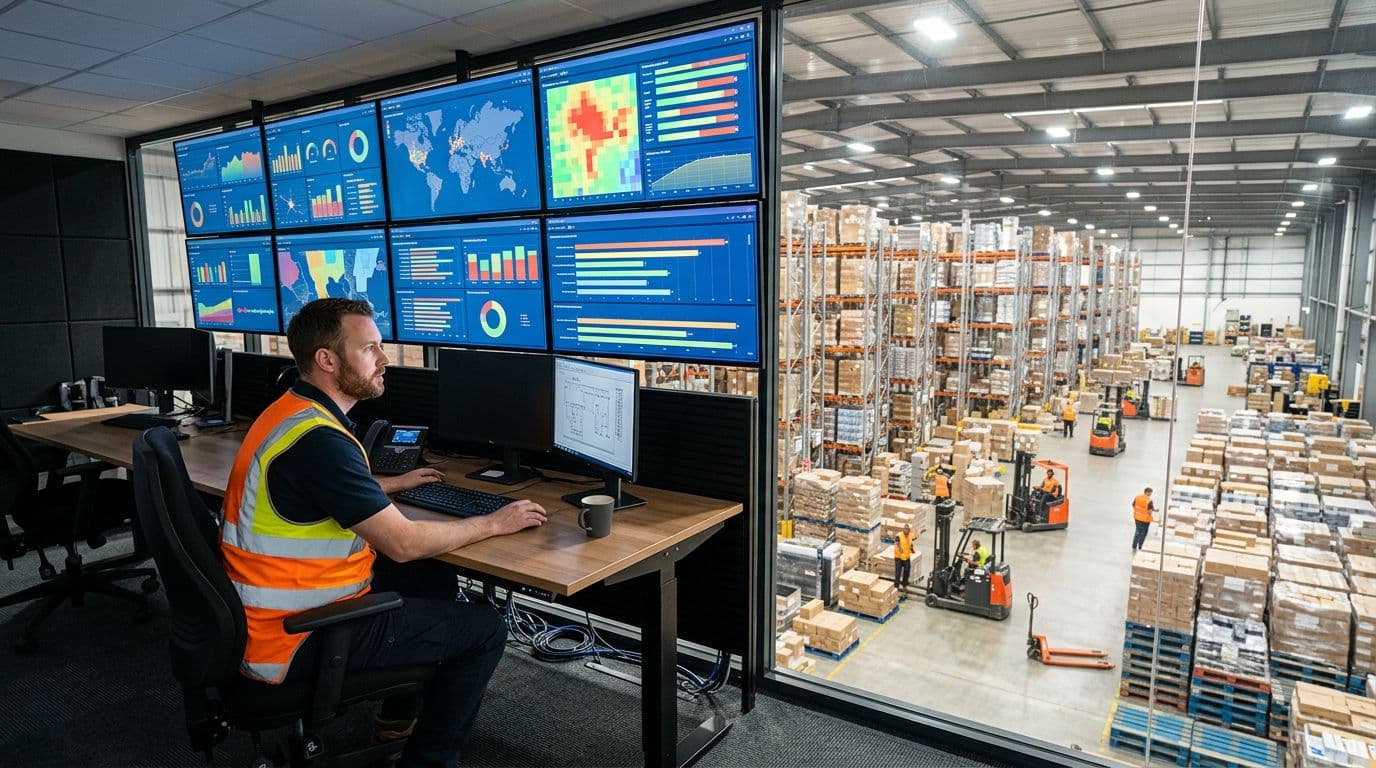
Cloud WMS matters because updates ship faster and roll out more consistently. Instead of waiting on long upgrade cycles, you get fixes and improvements without the same IT overhead. As a result, accuracy features like scan rules, exception handling, and integration updates stay current.
Scaling also gets easier during peak. You can add users, devices, and even new workflows with less friction, then scale back after the rush. That keeps teams from creating “temporary” manual steps that turn into permanent error sources.
Dashboards are the real day-to-day win. When leaders can see live shorts, overdue replenishments, mispick hotspots, and packing holds, they can fix the process before it becomes a customer email. If you want a practical view of how data drives better decisions in logistics, this breakdown of data analytics in 3PL and logistics operations connects the dots.
AI slotting and demand signals reduce chaos during peaks
AI slotting is simple in practice: it suggests better placement and better timing. Fast movers get positioned where pickers can grab them quickly, while look-alike items get separated so the wrong variant is harder to grab by mistake.
On the timing side, AI uses demand signals (recent orders, promos, seasonality) to recommend replenishment earlier. That reduces the “empty pick location” problem that forces rushed substitutions and on-the-fly decisions.
What a warehouse operator notices is straightforward:
- Fewer emergency replenishment runs, because the system saw the risk coming.
- Less backtracking and searching, because pick faces stay stocked.
- Fewer rushed mistakes, because picks stay calm even when volume spikes.
Robots, AMRs, and automated storage reduce touches and mix ups

With an estimated 4.3 million commercial warehouse robots in use globally by 2026, automation is no longer rare. In many buildings, the WMS acts like the brain, coordinating robot tasks, inventory status, and which work gets done next.
Accuracy improves because robots and automated storage reduce touches. Every handoff is a chance to mix items, damage cartons, or lose track of what is in a tote. When AMRs move the right tote to the right station, and when storage systems present the right bin, there are fewer “human relay” steps where errors hide.
For a plain-language overview of how these systems fit together, see these warehouse automation essentials.
WMS plus WES, IoT, and digital twins: designing accuracy into the workflow
WES (Warehouse Execution System) balances and releases work across people, conveyors, sorters, and robots so the floor stays in sync. IoT (Internet of Things) uses connected devices and sensors to confirm events like movement, temperature, and location in near real time. Digital twins are virtual models of your warehouse that let you test changes safely before you touch live operations.
Together, they bake accuracy into the flow. WES reduces confusion by routing tasks clearly, especially when multiple systems share the same space. IoT adds confirmation, so moves are recorded because a sensor saw it, not because someone remembered later. Digital twins help you validate that a layout tweak or new pick path will reduce errors, before you rearrange racking or retrain a shift.
The practical takeaway for 2026: fewer manual handoffs, more automatic confirmation, and fewer process changes done “on faith.”
Conclusion
Warehouse Management Systems improve fulfillment accuracy by creating a real-time inventory truth, guiding each pick with scan-based checks, and verifying orders again at packing and shipping. As a result, the warehouse stops running on memory and workarounds, and starts running on consistent confirmation at every handoff.
Still, the software alone doesn’t decide the outcome. Data quality, clear workflows, and floor-level training determine whether you reach accuracy gains or just move the same errors faster. When you pair the system with disciplined receiving, smart slotting, and tight exception handling, you catch problems early, before they become returns and reships.
If you want a practical next step, keep it simple:
- Audit your top error types (wrong item, short, damage, label).
- Measure a 30-day baseline (pick accuracy, order accuracy, inventory accuracy).
- Identify required integrations (ERP, OMS, carriers) and test the full loop.
- Pilot one workflow (for example, scan-enforced picking plus pack verification), then scale.
