
End Cap Display Design: A Practical Guide to Retail Planning and Execution
Busy stores give shoppers seconds to notice a product, understand its value, and decide whether to buy. A well-planned end cap can earn that attention with clear messaging and easy-to-shop product placement, but a cluttered design or late setup can waste the space.
This guide covers how to choose products, design a display that reads quickly, plan placement and store-ready execution, and measure results. You’ll also find practical considerations for end cap and countertop display assembly, so the finished display works beyond the mockup and on the retail floor.
Key Takeaways
- Start with the store location, shopper approach, and retailer requirements before finalizing an end cap display design.
- Keep the assortment focused and the message easy to grasp at a glance; place heavy items low and products within easy reach.
- Plan for accurate counts, secure packing, simple setup, and replenishment so the display arrives ready for the sales floor.
- Use retail display assembly services to help keep builds consistent, complete, and on schedule.
- Track sales against comparable stores, then check photos and store feedback to see whether displays stayed stocked, compliant, and shoppable.
What an End Cap Display Does for Shoppers and Retailers
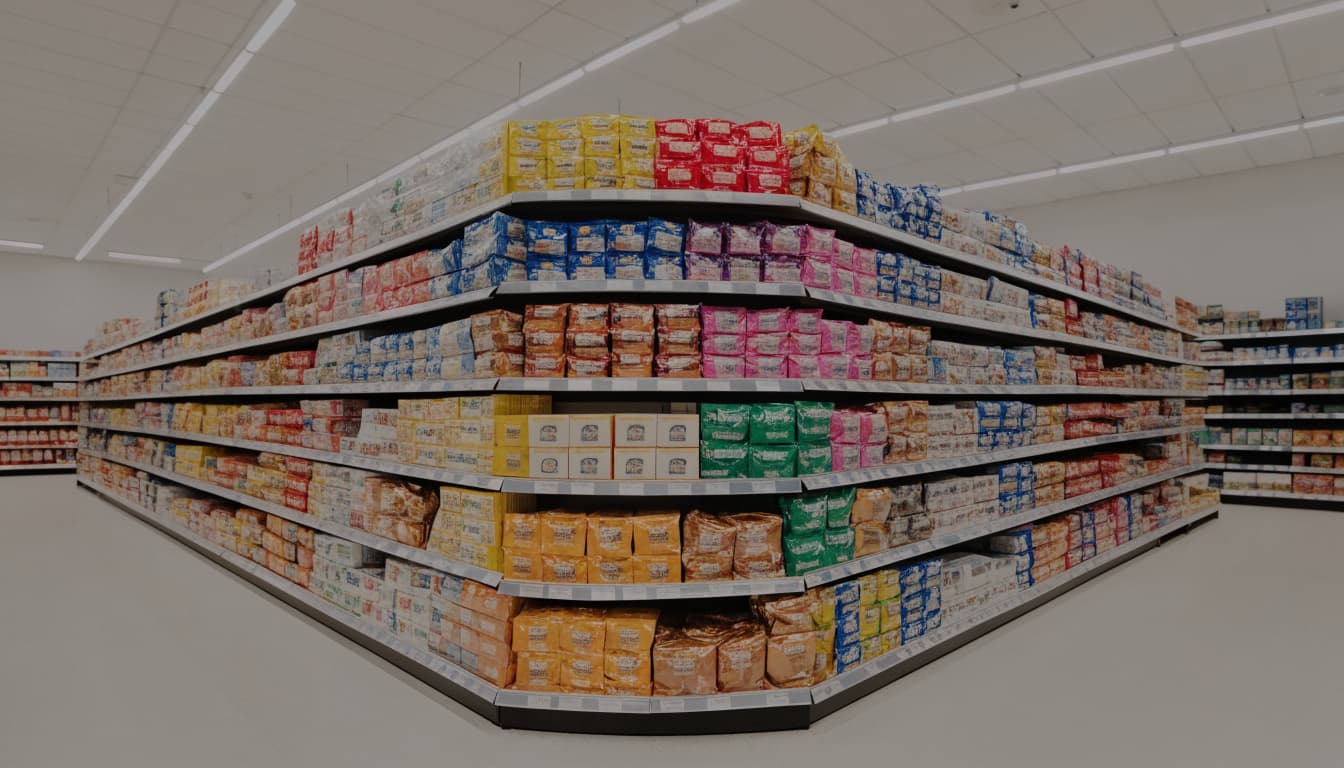
An end cap display sits at the end of a store aisle, often on or beside existing shelving. Its location gives featured products a chance to reach shoppers who might never enter that aisle.
Why aisle ends catch attention
Aisle intersections sit along common paths through a store, so shoppers can notice an end cap while heading to another section. That visibility supports product discovery and can prompt an unplanned purchase, especially when the display makes the product and its value easy to understand.
However, placement alone does not sell the item. Shoppers need to recognize what’s on offer quickly, whether it’s a new flavor, a seasonal product, or a simple promotion. Keep the assortment focused, show the product clearly, and make the price or deal easy to spot. When a display is crowded or its message takes effort to decode, extra traffic may pass without stopping.
Retailers also use end caps to guide attention toward a category or featured brand. The right assortment can help shoppers find complementary items together, such as snacks paired with drinks, while giving the store more room to feature products beyond their regular shelf space. A clear, coordinated presentation helps both shoppers and store staff understand what belongs on the display. For more on how packaging and presentation support point-of-purchase displays, see MSL’s retail display packaging services.
When an end cap is a strong fit
End caps work well for product launches, seasonal promotions, limited-time offers, and items with enough margin to justify a prominent placement. They can also group related products, provided the connection makes sense to shoppers. For example, placing a new drink beside a complementary snack may make both items easier to discover.
A display should fit the store’s traffic, space, and operating rules, not just the campaign concept. Fast-moving items need regular replenishment so the unit doesn’t look picked over. For perishable goods, check shelf life, temperature needs, and retailer requirements before assigning the product to an end cap.
Sales results vary by product, store, promotion, and placement. A 2018 supermarket study found different outcomes for front and rear end caps depending on whether researchers measured display sales or total brand sales. Treat any broad sales-lift figure with caution, and compare results against similar stores or periods before deciding whether a placement worked.
How to Design an End Cap Display That Works in Retail
An effective end cap display moves shoppers through three quick decisions: notice it, understand the offer, and reach for a product. Design each element around the retailer’s requirements, the product, the promotion, and the store environment. A one-sentence brief, such as “Introduce the new citrus flavor with an easy-to-grab offer,” can help your team cut anything that competes with that goal.
Lead with one clear message and a visible offer
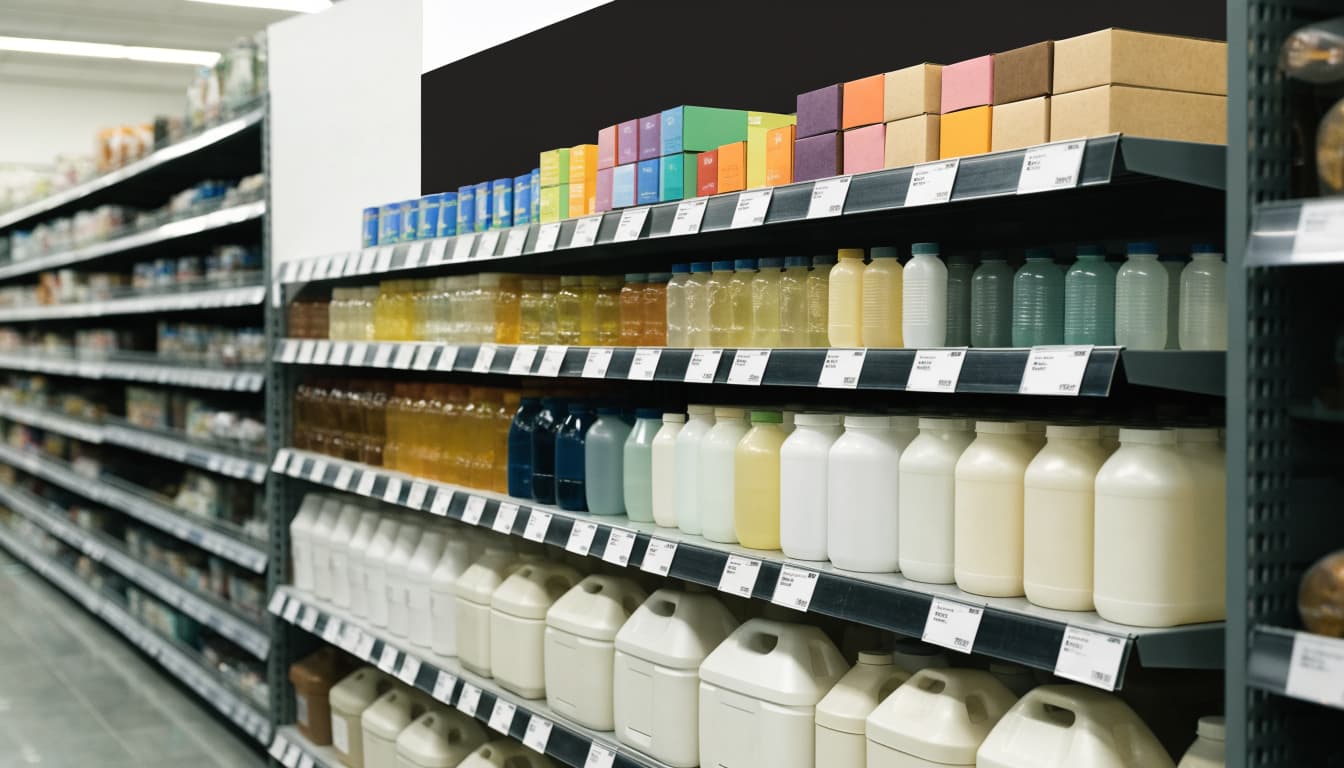
Give the display one short headline that explains the product’s main benefit or promotion. Use large, legible type and strong contrast so shoppers can read it while walking. Place the price or deal where people naturally look, and keep it consistent with retailer pricing rules.
Then establish a clear visual order: headline first, product and offer next, supporting details last. A shopper should understand what the item is and why it matters at a glance. Too many claims, competing graphics, or decorative copy make that decision harder. Leave open space around the main message, and use a visible hero product or image to draw the eye from the aisle.
Make products easy to see, reach, and choose
Arrange packages front-facing, with related items grouped together and labels visible. Put the primary product in the easiest-to-reach middle shelves, where shoppers can see and select it without bending or stretching. Place heavier or larger items lower when the product and fixture allow.
Leave enough room for customers to remove an item and return it without knocking over nearby products. However, avoid overfilling shelves: a tightly packed display can hide packaging, block graphics, and make restocking harder. Keep the aisle route clear and follow the retailer’s access and fixture rules. A design that works in a wide grocery aisle may need a smaller footprint in a club store or specialty shop.
Use shape, color, and materials with a purpose
Use brand colors to build recognition, then check them against the surrounding category so the display remains easy to spot. A simple header or back panel can lift the message above shelf-level clutter. Tiered shelves, trays, or a small die-cut window can guide attention and keep products orderly, without an elaborate structure.
Lighting, QR codes, and interactive features can help when they answer a real shopper need, but they add cost and upkeep. Choose durable, recyclable, or reusable materials when they suit the product, retailer, and promotion period. Also consider how quickly staff can set up and restock the unit. For campaigns that require minimal in-store assembly, floor-ready POS displays can support a consistent presentation across locations.
Choose the Right Products, Format, and Assortment
Start with the sales goal, the store environment, and the shopper’s reason to stop. A product launch may need a compact, focused display that highlights one new item, while a high-volume promotion needs enough space for larger inventory and quick restocking. The right end cap display fits the job without creating extra work for store teams.

Match the display format to the job
An end cap built into existing gondola shelving can work well for products that need a stable, longer-term home. It uses the fixture already at the aisle end, so it may suit ongoing programs or heavier items, provided the shelves have verified load ratings. Measure the full fixture and check product depth, aisle clearance, and retailer rules before finalizing the layout.
Standalone and temporary units offer more campaign flexibility. A compact corrugated display can spotlight a limited assortment or short promotion, while a larger or reinforced unit can hold more product for a busy sales period. The tradeoff is that a temporary structure must stay stable as shoppers remove items and staff restock it.
Footprint, product weight, promotion length, and shipping plans all shape the choice. A small store may need a narrow unit that keeps traffic moving; a club store may require a higher-capacity format that meets its packaging and placement rules. Also decide whether the display will ship flat for in-store assembly or arrive floor-ready. If the program includes multiple products or retailer-specific builds, retail display kitting and assembly services can help prepare consistent units for delivery.
Keep the assortment focused and easy to shop
One hero product often gives shoppers the clearest reason to pause. For a broader offer, group a small set of related items, such as a new drink flavor with a complementary snack. The connection should be obvious; adding unrelated products just to fill empty space makes the display harder to understand.
Make differences easy to compare at a glance. Keep prices visible, face packages forward, and arrange sizes or varieties so shoppers can quickly see what changes between options. When products serve different needs, show that distinction through placement and simple messaging. A shopper choosing between a single-serve pack and a family size should not have to search for the difference.
Plan the quantity around expected demand and replenishment. Too little stock can leave the display looking picked over, while too much can crowd the product and block access. A focused assortment, sized to the display and promotion, makes the offer easier to shop and easier to maintain.
Plan End Cap Placement, Size, and Store Compliance
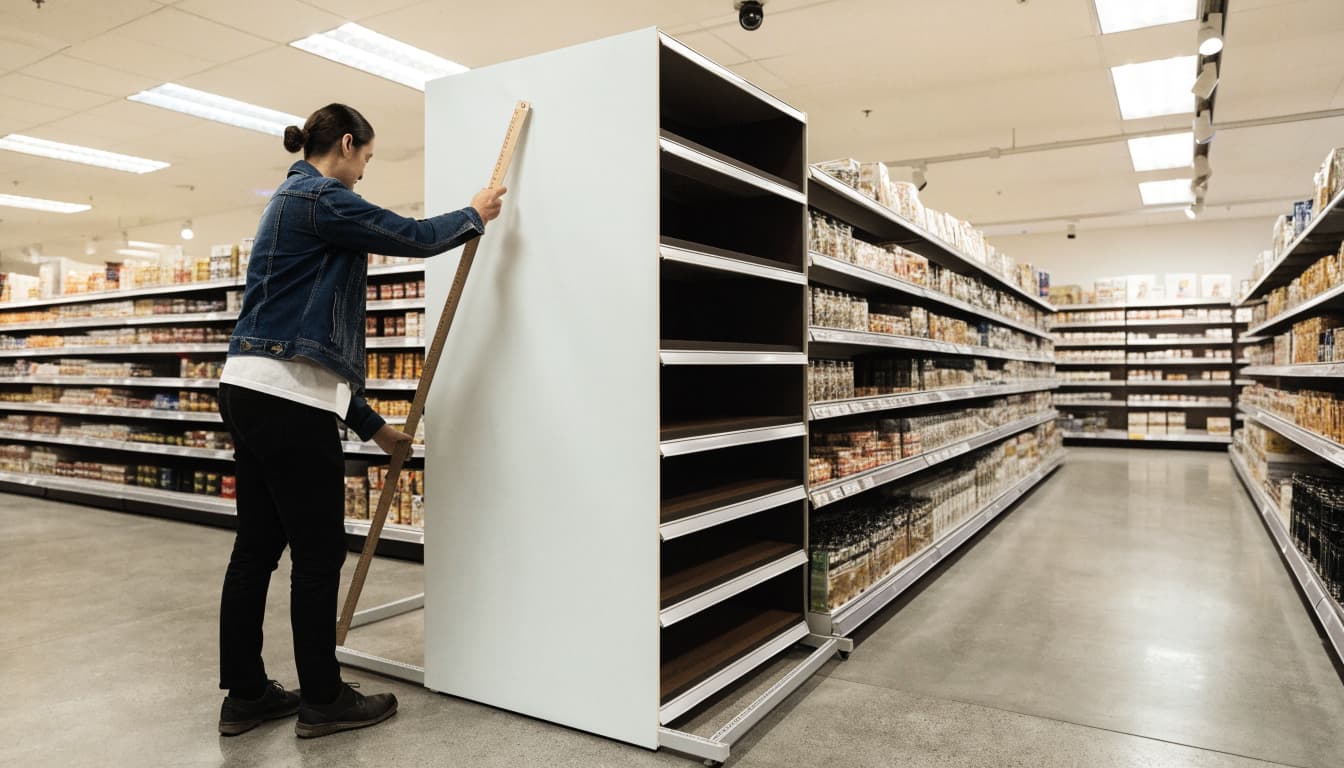
An end cap display should be designed around the store where it will stand, not just a drawing or standard fixture size. Walk the floor before approving dimensions, and confirm placement, access, and retailer requirements with the store team.
Check sightlines, traffic, and available space
Start at the aisle intersection and trace the paths shoppers take toward the display. From which direction will they approach? Can they see the header and product before they reach the aisle end, or do nearby fixtures, hanging signs, or other displays block the view? Check the location from several angles, including the main store entrance if that route brings shoppers past the end cap.
Lighting can change how well colors, package details, and promotional graphics read. Look for shadows, glare, and visual competition from adjacent categories. Then measure the usable footprint and height at the actual location, including any fixture overhangs or nearby obstructions. Treat dimensions as planning examples, not universal standards. A design that fits one store may block sightlines or crowd another.
Protect clear paths and safe access
A display must leave shoppers room to move and reach nearby merchandise. Confirm that it won’t obstruct aisles, exits, exit signs, fire equipment, or access to shelves. Also check that customers can approach and remove products without stretching over unstable stacks or knocking items into the path.
Before production, review the retailer’s fixture and placement rules alongside applicable accessibility, building, and fire codes. ADA standards include a 36-inch minimum clear width for accessible routes, but that figure is not a universal aisle or display specification. Local codes and retailer rules may require more space, and turning areas or other site conditions can affect the layout. Verify the requirements for the specific store rather than relying on a single measurement.
Check the unit’s stability when fully stocked and partly depleted, and confirm that staff can restock it safely. Product weight, shelf strength, and reach all matter. A display that passes a floor-plan review can still create a problem if it tips during replenishment or puts popular items out of comfortable reach.
Adapt the design to each retail channel
Store format changes both shopper flow and how teams maintain displays. Grocery stores often have frequent traffic and nearby fixtures that affect visibility. Club stores may need high-capacity units and strict size or pallet requirements; review club-store packaging and display services early in planning. Big-box locations may allow larger formats but apply precise fixture and placement rules. Specialty stores often have tighter footprints, so a compact unit and smaller assortment may work better.
Replenishment matters, too. Ask who stocks the display, how often they can refill it, and whether they need a floor-ready unit. Coordinate with retail partners before finalizing the design, then confirm the approved location and specifications for each store group.
Make Assembly, Shipping, and Replenishment Part of the Design
An end cap display has to work in the warehouse, during transit, and on the sales floor. A polished mockup won’t help if parts arrive damaged, staff can’t assemble the unit quickly, or shoppers leave it looking messy. Plan the build and packing process alongside the graphics and structure.
Design for quick setup and consistent assembly
Store teams need clear instructions, labeled components, and accurate product counts. Show the assembly sequence with simple diagrams or numbered steps, and make each part easy to identify. Then test the instructions with someone who hasn’t seen the design before. If they struggle to build it, store staff probably will, too.
Keep tools and extra steps to a minimum. When the retailer and shipping method allow it, pre-assemble the display or pack it in a retail-ready format that opens directly into a usable unit. That can reduce store labor and help each location present the same layout. A contract packaging partner can assemble displays, kit the correct products and components, and check counts before shipment. See retail packaging services for support with display assembly and store-ready preparation.
Plan for shipping, stock levels, and display upkeep
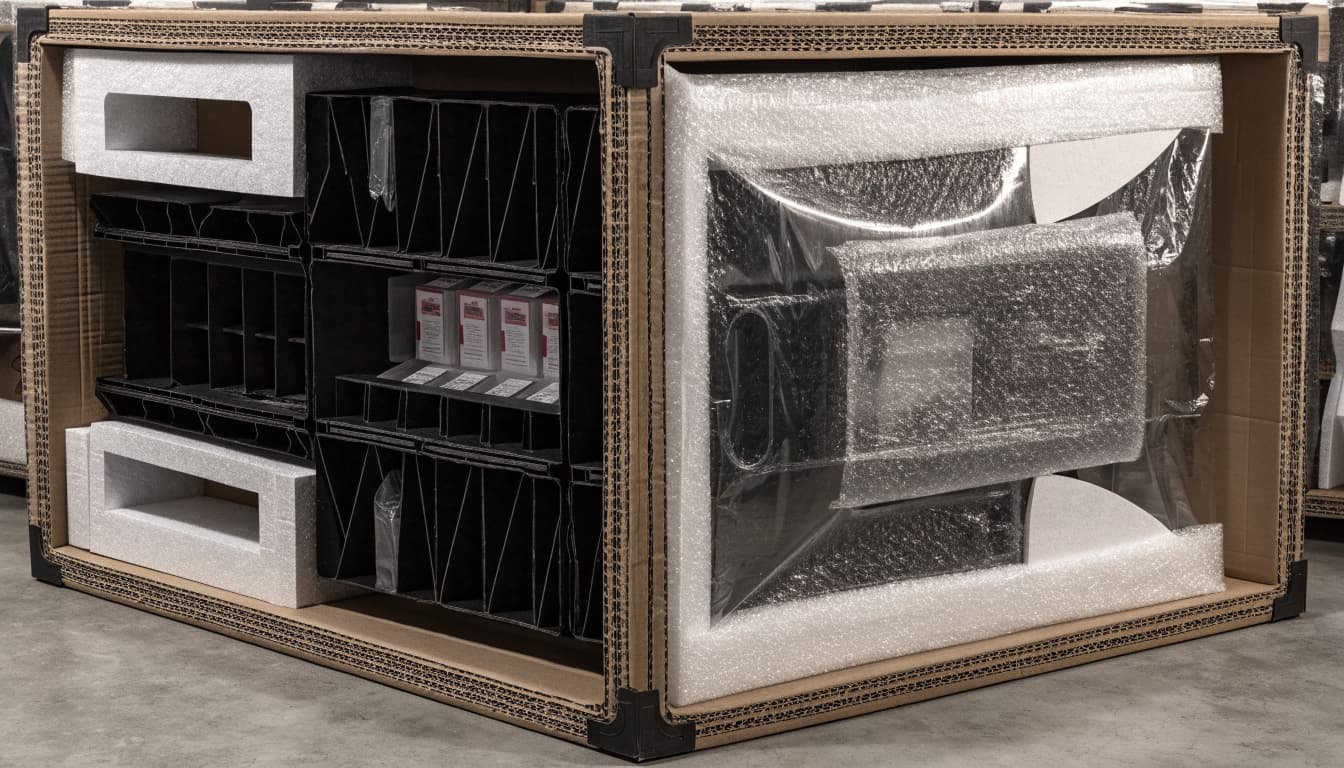
The display must survive normal handling without crushed corners, loose parts, or shifted products. Choose protective packaging for the unit’s materials and weight, and arrange components in the order staff will use them. Keep setup instructions and any required hardware easy to find. Case labels and barcodes should remain visible and scannable under the retailer’s requirements.
Once the display is on the floor, shoppers will change its appearance as they remove products. Keep remaining items upright and visible, even when the unit is partly empty, and make replenishment possible without dismantling the structure. GS1 shelf-ready packaging guidance emphasizes easy opening and stocking, along with a stable, accessible presentation for shoppers.
Before launch, assign responsibility for checking stock, straightening the display, and replacing damaged or missing parts. Without a clear owner, small problems can leave the unit understocked or untidy for days.
Use pilots and store feedback before a broad rollout
When possible, test the end cap in a small group of stores before sending it nationwide. Ask staff to record setup time and note any issues with stability, product access, visibility, or restocking. These practical checks often reveal problems that a digital rendering or showroom mockup won’t show.
Collect store photos at launch and during the promotion. Compare them to see whether products stay organized as inventory sells down, graphics remain visible, and the display holds up to regular use. Then use that feedback to revise instructions, packing order, or structure before the next production run.
Measure Whether the End Cap Display Earned Its Space
An end cap display needs a clear job before anyone starts designing it. Set a target tied to that goal, then use a few practical measures to see whether the display performed and stores executed the plan.
Choose a few useful KPIs before launch
Pick two or three metrics that fit the campaign. A trial-focused display may call for unit lift and sell-through, while a complex floor stand may need closer tracking of placement and time on the floor.
Useful measures include:
- Unit lift versus control stores: Compare unit sales in display stores with similar stores that did not receive the display. Match stores as closely as possible by format, location, and past sales.
- Sell-through: Track how much of the display inventory sold during the promotion. This helps show whether product moved at the pace the campaign required.
- Days on the floor: Record how long the display was actually available to shoppers, not just the dates in the plan.
- Placement or compliance rate: Calculate the share of shipped displays that were built and placed correctly and on time. Store photos can help verify execution.
- Average basket size: When the goal includes add-on purchases, compare basket size during the campaign with a relevant baseline.
Record baseline sales, participating stores, planned promotion dates, product assortment, and any discount or media support before launch. Also note seasonal events and other promotions that could affect demand. Afterward, compare results across the same time periods where possible. A matched-store comparison helps estimate incremental lift, but it cannot prove the display alone caused a change if other factors shifted at the same time.

For a practical framework on selecting measures and comparing display results, see retail display performance measurement.
Review results and turn them into a better next display
After the campaign, create a short recap with sales results, store feedback, and photos from launch, mid-promotion, and close. Compare performance with the targets, then note what to keep, change, or stop. Review the message, assortment, placement, materials, and assembly steps, not only the sales total.
Store comments can explain a result that sales data cannot. A display may have sold well but arrived late, taken too long to build, or become hard to shop when partly empty. Photos can expose blocked headers, poor lighting, or inconsistent placement across locations.
Finally, look for patterns across retailers and campaigns. One strong or weak result may reflect local conditions, timing, or execution. Repeated findings provide a firmer basis for improving the next end cap display and deciding where to invest.
Frequently Asked Questions
A strong end cap display needs to keep working after launch, across different stores and throughout the promotion. These answers cover common decisions that can affect its upkeep and rollout.
How often should a retail end cap be refreshed?
Refresh timing depends on the promotion’s length, how often shoppers visit, available inventory, and retailer expectations. Check sales, stock levels, and the display’s condition regularly; change it when performance or wear gives you a reason, rather than following an arbitrary schedule.
Can one end cap display work across different stores?
A core design can often be reused, but the footprint, height, product assortment, and messaging may need to change. Adapt each version to the store format and retailer rules so the display fits the space and stays easy to shop.
Should an end cap feature one product or several?
A focused hero product makes the offer easier to understand, while a small group of related items can encourage cross-selling. Choose based on the campaign goal and whether shoppers can quickly see why the products belong together.
Are digital features or QR codes worth adding?
A QR code or screen can provide product details or connect shoppers to a digital offer, but it needs a clear purpose and a simple path to use. Track engagement, such as scans or offer redemptions, when possible; skip the technology if it distracts from the product or gives you no useful way to measure results.
Who should assemble and ship a multi-store display program?
Your team can coordinate the work in-house, or a qualified contract packaging and fulfillment partner can build, check, pack, and ship each unit. The right choice depends on volume, program complexity, retailer requirements, timelines, and quality-control needs; retail distribution and fulfillment services can also connect store-ready preparation with delivery.
Conclusion
An effective end cap display pairs a clear shopper message with a focused product selection, safe placement, and reliable store execution. The strongest designs account for real store conditions, so the display stays visible, accessible, and easy for staff to stock.
When possible, test the design in a small group of stores before expanding the rollout. Then compare sales, store feedback, and display photos to see what worked and improve the next campaign. For more on how placement can help capture shopper attention, explore endcap displays that drive impulse purchases.
